Pusher
A downloadable game for Windows and Linux
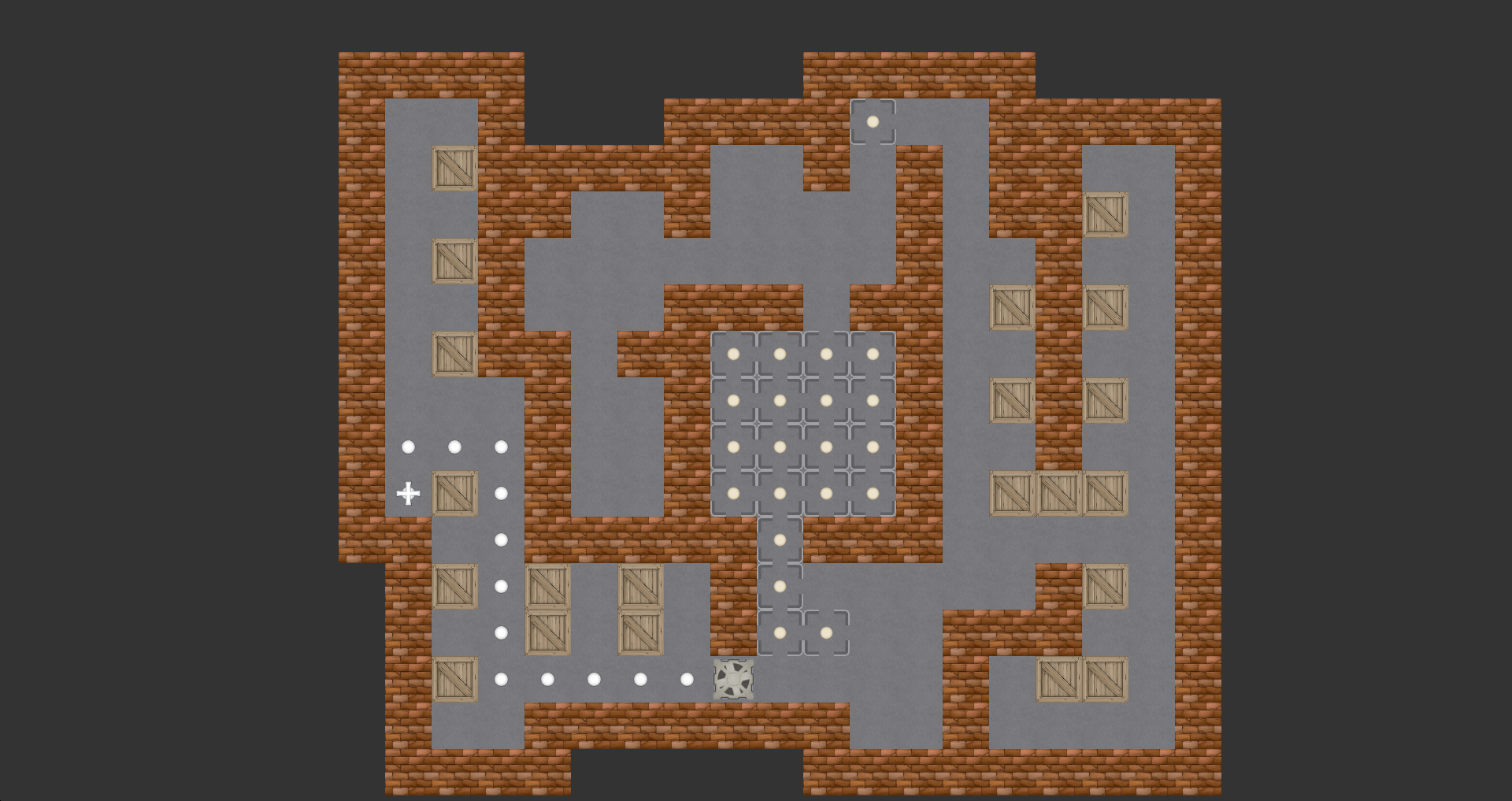
A classic puzzle video game where you play as a robot who has to move boxes to their marked spots. Unlike other Sokoban games, you control the pusher with your mouse instead of the keyboard, providing a better, more intuitive experience.
Features
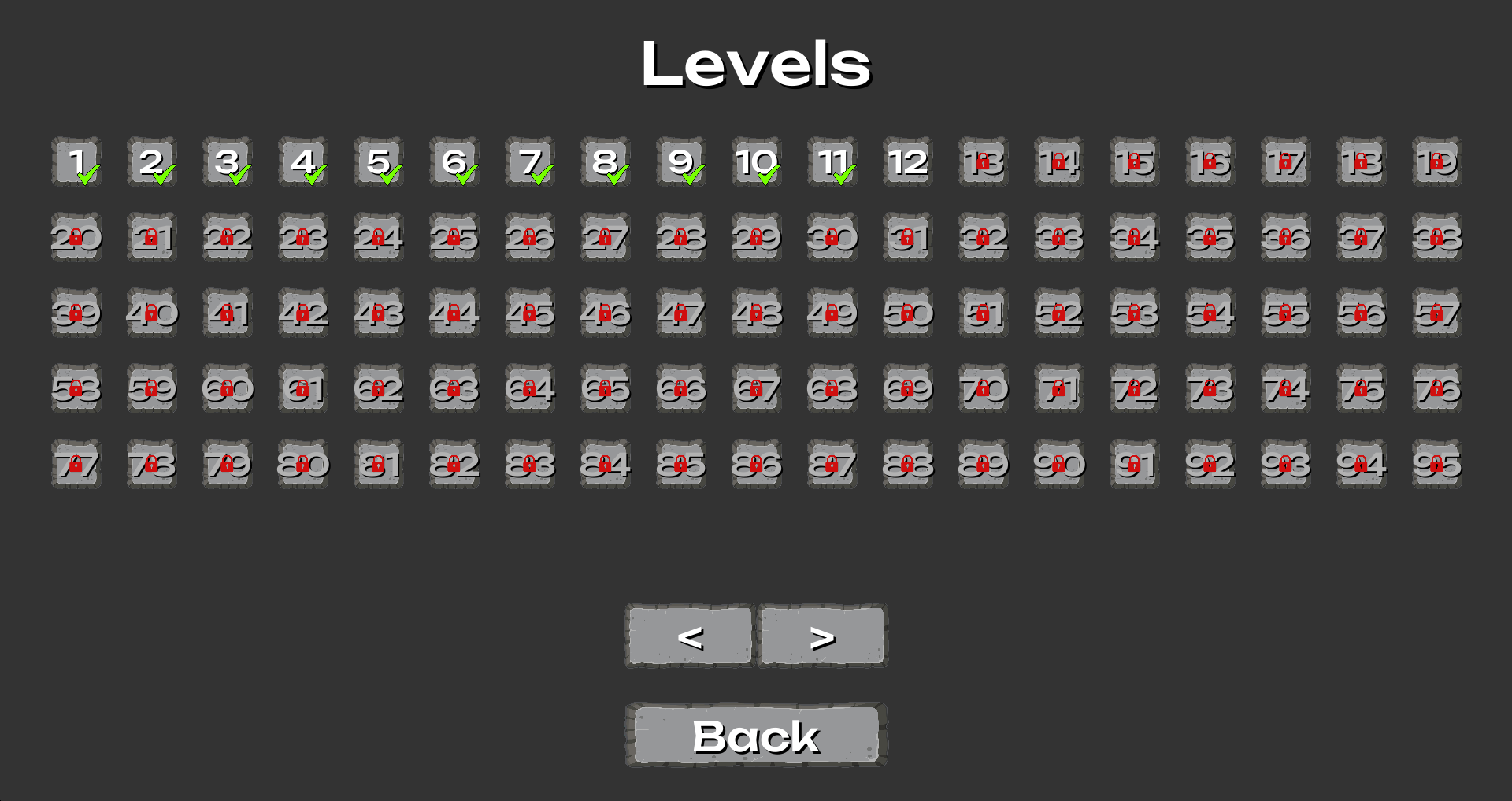
- 8 built-in episodes with 918 levels in total.
- Ability to play custom episodes.
- In-game editor.
Available Episodes
- Thinking Rabbit Original (90 levels)
- Thinking Rabbit Boxxle I (108 levels)
- Thinking Rabbit Boxxle II (120 levels)
- Cosmos (140 levels)
- Sharpen (143 levels)
- Sokomania (72 levels)
- Monde (178 levels)
- Atlas (67 levels)
Game Controls
| Keybinding | Action |
|---|---|
| Left mouse button | Move the robot to the mouse cursor position |
| W / Up | Move the robot up |
| A / Left | Move the robot left |
| S / Down | Move the robot down |
| D / Right | Move the robot right |
| CTRL + Z | Undo the latest move |
| CTRL + R | Restart the current level |
| CTRL + [ | Previous level |
| CTRL + ] | Next level |
| F12 | Take a screenshot |
Editor Controls
| Keybinding | Action |
|---|---|
| Left mouse button | Add a block |
| Right mouse button | Remove a block |
| Wheel scroll | Change the block type of the brush |
| Up | Shift blocks to the up |
| Down | Shift blocks to the down |
| Left | Shift blocks to the left |
| Right | Shift blocks to the right |
| CTRL + A | Add a new level |
| CTRL + S | Save the current episode |
| CTRL + D | Delete the current level |
| CTRL + Q | Shift the current level in an episode to the start |
| CTRL + E | Shift the current level in an episode to the end |
| CTRL + C | Make a copy of the current level |
| CTRL + Z | Undo the latest change |
| CTRL + G | Switch to game/editor |
| CTRL + [ | Previous level |
| CTRL + ] | Next level |
Download
Install instructions
Windows
If the game doesn't have sound, you need to install OpenAL (oalinst.exe). You can find the installer in the Redist folder and run it by double-clicking on it.
If the game doesn't save screenshots (F12), you need to grant access to the game folder. To do this, right-click on GrantAccess.bat, which is located in the game folder, and select ‘Run as administrator’.